Creating a desk setup that supports both focus and comfort is essential for anyone spending extended hours working or studying. Whether you work from home, at an office, or in a creative space, the right environment can improve concentration, reduce physical strain, and make your day more enjoyable. In this post, we’ll explore practical and easy-to-implement tips to help you design a workspace that boosts productivity and keeps you comfortable throughout the day.
Why Your Desk Setup Matters
Your desk is more than just a surface—it’s the foundation of your work environment. An organized, ergonomic, and personalized setup helps minimize distractions and physical fatigue, allowing your mind to stay sharp and your body comfortable. Poor desk arrangements can cause discomfort, clutter, and even reduce motivation.
Let’s look at how to optimize your desk for better focus and comfort.
Choose the Right Desk and Chair
Ergonomic Desk and Chair Selection
– Desk height: Ideally, your desk should allow your elbows to be at a 90-degree angle when typing or writing. Standard desk height is about 28-30 inches, but adjustable desks are even better.
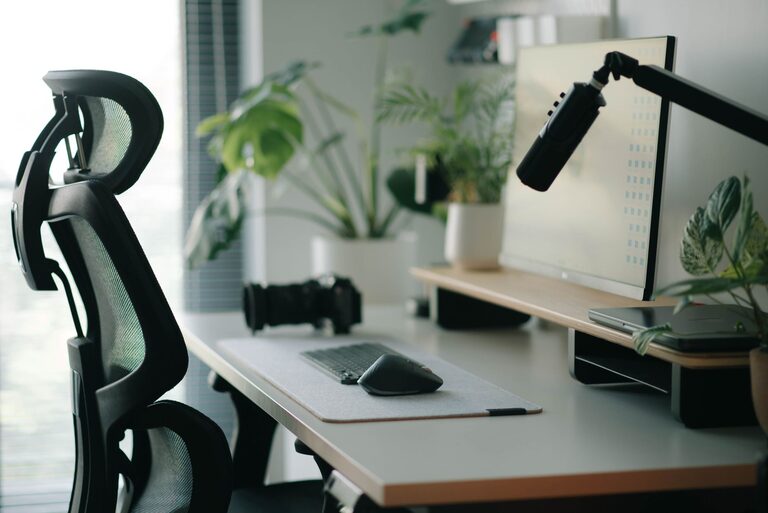
– Chair support: Invest in a chair with lumbar support to maintain the natural curve of your spine. Adjustable height and armrests help accommodate your posture.
– Comfort over style: While aesthetics matter, prioritize comfort and ergonomics when choosing furniture.
Consider a Standing Desk Option
Alternating between sitting and standing can reduce fatigue and improve circulation. If possible, use a sit-stand desk or a desktop converter to change positions throughout the day.
Organize Your Desk for Clarity
Declutter Regularly
A cluttered desk leads to a cluttered mind. Keep only the essentials on your workspace to avoid distractions.
Use Storage Solutions
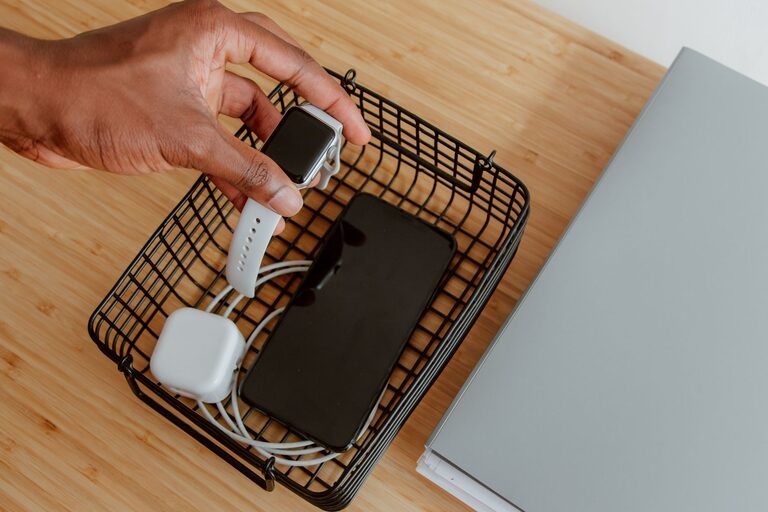
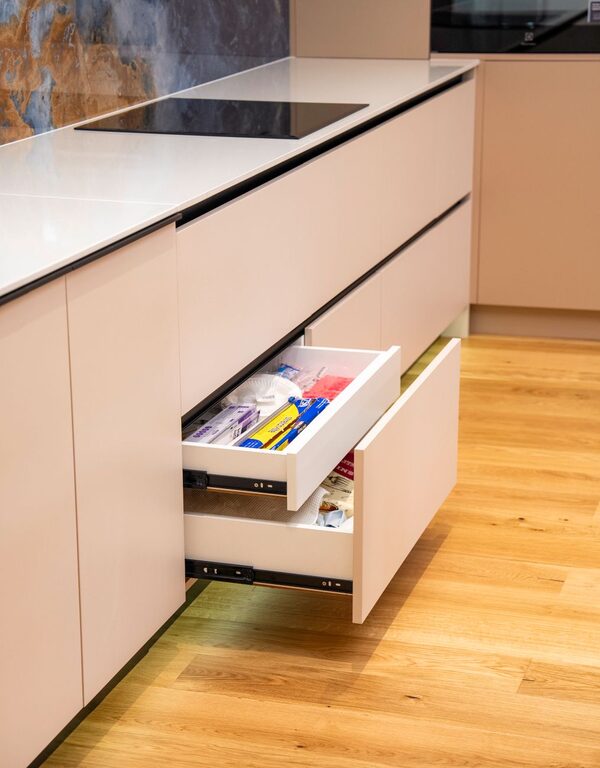
– Drawers and organizers: Use desk drawers, trays, or small bins to store supplies neatly.
– Vertical storage: Shelves or wall-mounted organizers free up desk space and keep items within reach.
Cable Management
Tidy up cables with clips, ties, or under-desk trays. This prevents tangling and gives your desk a cleaner look.
Optimize Lighting
Natural Light
Position your desk near a window to benefit from natural light, which can boost mood and alertness.
Task Lighting
Use adjustable desk lamps to direct light where you need it most, reducing eye strain during focused tasks.
Avoid Screen Glare
Arrange your monitor perpendicular to windows or use blinds to prevent glare on your screen.
Position Your Monitor and Devices Correctly
Monitor Placement
– Keep your monitor about an arm’s length away.
– Top of the screen should be at or slightly below eye level.
– Use a monitor stand if needed.
Keyboard and Mouse
Place the keyboard and mouse close enough to avoid overreaching. Your wrists should be straight and relaxed.
Add Comfort-Boosting Accessories
Ergonomic Accessories
– Wrist rests: Provide cushioning and reduce strain.
– Footrests: Help maintain proper leg position if your feet don’t rest flat on the floor.
– Monitor risers: Adjust your screen height for better posture.
Personal Comfort Items
Include items like a small plant, a water bottle, or a comfortable cushion to make your workspace inviting and personalized.
Minimize Distractions
Keep Essentials Within Reach
Having frequently used items close by reduces unnecessary movement and interruptions.
Set Boundaries
If you share your space, use visual signals or noise-canceling headphones to indicate when you need focus time.
Use Digital Tools Wisely
Keep your phone on silent or out of sight and use apps that block distracting websites during work sessions.
Maintain Good Posture and Take Breaks
Posture Tips
– Sit with your back straight and shoulders relaxed.
– Keep feet flat on the floor or on a footrest.
– Avoid crossing your legs for long periods.
Regular Breaks
Stand, stretch, and walk around every 30-60 minutes to reduce muscle tension and refresh your mind.
Customize Your Environment
Personalize Thoughtfully
Add a few personal touches such as photos, inspirational quotes, or artwork. Avoid overdoing it to keep distractions minimal.
Adjust Temperature and Air Quality
Ensure your workspace is comfortable in terms of temperature and ventilation to maintain focus.
Final Thoughts
Designing an effective desk setup takes time and experimentation. Start with the basics—comfortable furniture, organized space, good lighting—and then tailor your setup to fit your unique needs. With these tips, you’ll create a workspace that supports both your focus and your comfort, helping you stay productive and energized throughout your day.
About the Author